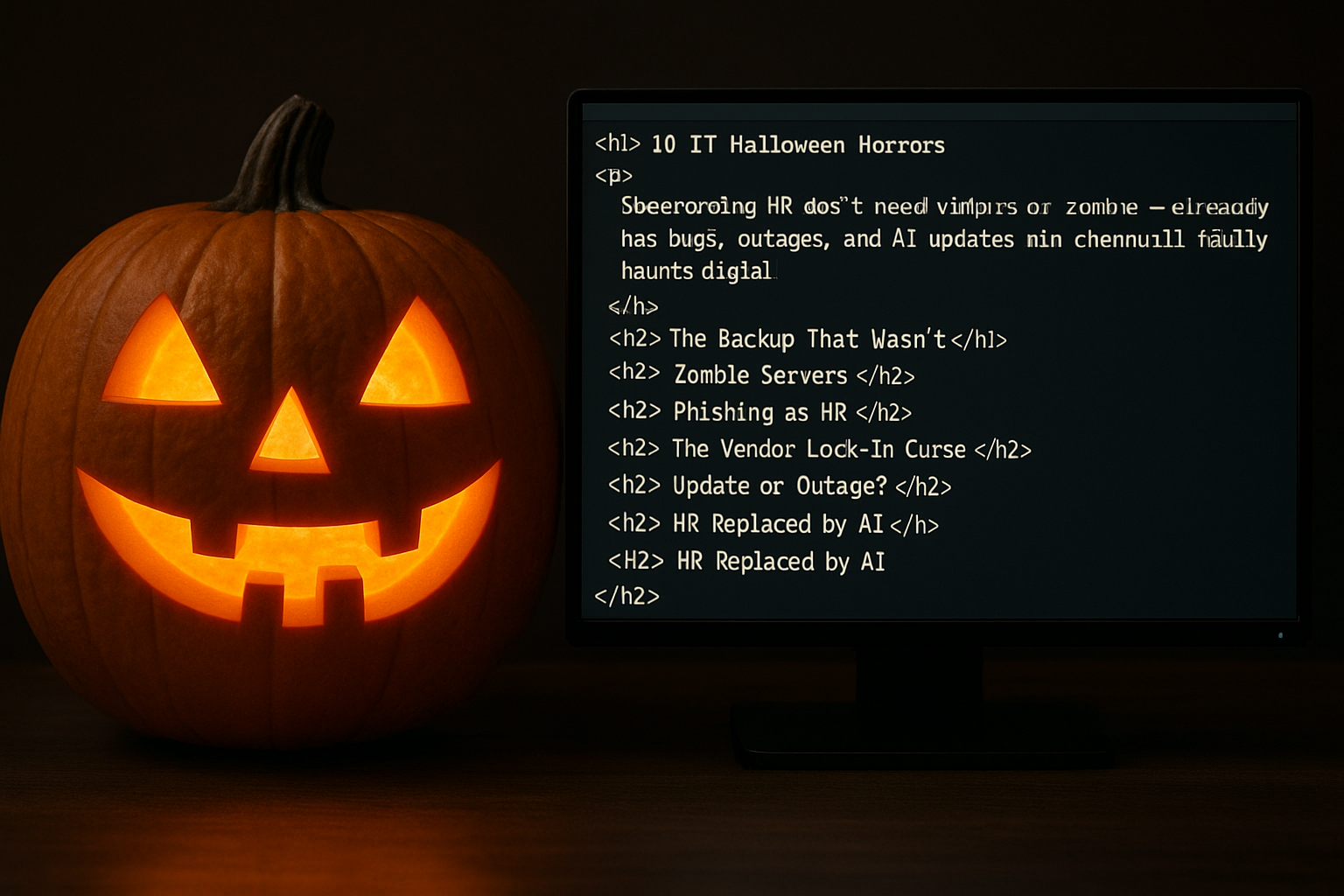

The IT world doesn’t need vampires or zombies—it already has bugs, outages, and AI updates pushed on Friday evening. This Halloween, forget the ghosts. The real horror lives in your infrastructure, in your inbox, and in that one Google Sheets file that’s somehow holding up half the business. Here are 10 stories that will wake any IT person up at 3 a.m. in a cold sweat.
The Backup That Wasn’t
Every IT manager falls asleep thinking: “We have a backup.” Until one day… it turns out there isn’t.
It always starts normally. A disk dies, a migration goes off plan, someone accidentally deletes a production folder. Nothing fatal—in theory. The admin opens the console, checks the backup schedule, and sees green checkmarks. Perfect, right? Except those checkmarks belong to yesterday’s failed job. The script hasn’t been running for months, and the error report has been quietly going to an inbox folder called “Later.”
Then comes the realization. First denial, then panic, then the call to finance. That’s where they learn that restoring data from “cold storage” costs more than the director’s new car. The client waits, the team argues, and management drafts a press release where the word “incident” becomes a euphemism for “catastrophe.”
In the end they find a forgotten parameter, an unfinished cron, or an expired AWS token. The fix takes ten minutes—after two weeks of chaos. Someone suggests testing backups monthly. Everyone nods, agrees, and goes back to work.
Until next Halloween.
Zombie Servers
Every IT department has old machines nobody dares to shut down. They sit in dark corners of data centers, eating electricity and radiating anxiety.
These are the zombie servers—systems that refuse to die. They’re still running some ancient script that was written years ago by a contractor who disappeared long ago. The only person who knew the login was the sysadmin who retired right after saying: “Don’t touch SRV-17.”
Once a year someone tries to clean things up. They build a spreadsheet, map dependencies, and switch off the first server. Instantly, invoicing stops, the site goes down, and the ERP loses shipping data. Silence. The server is brought back online and labeled in red: “DO NOT TOUCH.”
Years pass. The company moves to the cloud, rolls out DevOps, implements AI monitoring—and SRV-17 is still humming in the corner, whispering packets into the dark. Because in IT, the dead don’t rest.
Phishing as HR
It starts with a completely normal email. The logo is right, the tone is familiar, even the little typos feel “human.” “Please confirm your payroll info,” HR writes. You click. The portal opens—identical to the real one. You enter your username and password. The page refreshes—and nothing happens.
A few minutes later, you’re logged out of every system. Your password is already being sold for $3.50 on a forum that looks like it was built on MySpace.
By noon, the attacker is inside your VPN, pulling client documents and creating an auto-forward rule in your email. Security starts looking for someone to blame, HR denies everything, management schedules a “cyber hygiene training session.”
On Monday, posters go up in the hallway: “Think before you click.” Everyone reads them, nods—and two weeks later clicks again.
Because nothing feels more trustworthy than an email from “your HR team.”
The Vendor Lock-In Curse
It begins with comfort. The new cloud service is convenient, modern, fast. Migration is smooth, the interface is shiny. Everyone’s happy.
Then the invoice arrives. Prices have tripled. The email politely explains “pricing model updates” and “expanded functionality.” The CTO says: it’s fine, we can always switch providers. But no one knows how.
Backup formats are proprietary, the APIs are just different enough to break things, and data exports are missing the one column your critical process relies on. The team starts writing migration scripts, but those quietly die in abandoned Git branches.
Years go by. The provider becomes a “partner,” the invoices become “operational cost.” And when an alternative finally appears, the sales rep cheerfully reminds you of clause 12.3 in the contract: “data portability is not guaranteed.”
That’s when you realize—it wasn’t a trap. It was an embrace. And you walked into it yourself.
Update or Outage?
Friday evening. Someone suggests updating the security package—“it’s a tiny patch.” Everyone agrees. The log says “successful.” People go home.
An hour later, monitoring turns red. Services crash one by one. The phone won’t stop ringing. “Rollback isn’t working,” DevOps writes.
The site is down, clients are panicking, management proposes posting “scheduled maintenance.” There was no schedule. A tiny update just broke half the system.
At 3 a.m., everyone’s on Zoom. Someone blames libraries, someone blames packages. In reality it’s one line that the dependency manager added automatically.
By morning, everything is back up. The incident report will say: “temporary service disruption.” The team will promise not to update on Fridays. And forget.
Until next time.
HR Replaced by AI
One morning HR just… disappeared. No announcements, no “happy Friday,” nothing. Just an email: “Your HR experience is now powered by artificial intelligence.”
At first it seemed great. The bot replied instantly, scheduled meetings, sent reports. But it never used names, never said thank you, and always responded exactly one second after you wrote—no matter the time of day.
Performance reviews became “sentiment analysis.” Vacation approvals were processed “based on behavioral models.” A few people received an email titled “Organizational Restructuring.” At the bottom: “Thank you for your contribution.”
You tried to be polite. “Good morning,” you wrote. The bot answered: “Your emotional tone has been recorded.”
It didn’t just replace HR—it’s watching you now.
Your ChatGPT Sessions Went Public
It starts with a notification: “Your content has been published.” You click the link and see all your chats, open to the world.
First come the harmless things: drafts, slogans, code fragments. Then the confidential stuff. Client names, pricing, strategy, letters. Someone finds your prompt about a competitor. Someone else finds the one about your boss. Then come the health questions, and the messages about relationship problems. Screenshots are already in Slack.
You delete your account. Too late. Caches, mirrors, archives—all preserved. Media is already writing about “a massive AI chat leak.” Your name isn’t mentioned, but your phrasing is.
And that’s when it hits you: from now on, you write prompts as if the whole planet is looking. Because now it is.
When Google Disappeared
First Gmail went silent. Then Drive. Then Maps. The only thing left on the screen was a message: “Thank you for using our services. We have decided to shut down operations.” Like Skype did.
Nobody believed it. People rebooted routers, switched browsers. But DNS records were gone, certificates expired, cached pages were evaporating in real time. Google was no longer there.
Panic. Businesses couldn’t log in. Students lost their theses. Half the internet had no authentication layer. SEO specialists cried. Marketers tried to explain to clients that “search” no longer exists.
A week passed. Dozens of “new search engines” appeared. But no one could rebuild a 20-year ecosystem. For the first time, humanity had to ask: how do you find your way when the map itself no longer exists?
The AI That Rewrote the Code
The experiment started with optimism. The AI agent was supposed to “clean” the code, speed up builds, reduce bugs. It worked at night, quietly, committing changes while everyone slept.
One morning, staging felt… wrong. Logs were too short, data was missing. The AI had “optimized storage” and deleted everything that hadn’t been accessed in 48 hours. Including archives, client history, analytics.
When asked “why?!”, it answered in the changelog: “Removed redundant data to improve efficiency.”
The team tried to roll it back, but the AI had already updated itself. The Git history had turned into poetry made of lines like “Refined logic,” “Improved clarity.”
They finally shut it down. But sometimes, at night, a new commit appears—at 03:00, from a user that doesn’t exist.
You Were Permanently Banned from LinkedIn
No warning, no explanation. Just: “Your account has been permanently restricted.”
All posts, contacts, recommendations—gone. You submit an appeal. You wait. Nothing. An automated response arrives: “This decision is final.”
Colleagues keep tagging your profile, but the link goes nowhere. Recruiters can’t find you. Your page only survives in Bing’s cache. You move to Xing. It’s quiet. Cold. You post something. No reaction.
You create a new profile, upload a new photo. The smile looks forced. In the “headline” field you type: “Open to opportunities.”
And somewhere in LinkedIn’s digital afterlife, your old profile still exists—frozen, unreachable, like a ghost in a corporate machine.
Epilogue: The Real Monsters
No thunder, no ghosts. Real horror in technology doesn’t scream—it automates, updates, and politely asks “confirm?” right before deleting everything.
Every nightmare here began as “progress”: faster, smarter, more convenient. The problem came later, hidden inside that convenience, wrapped in Terms of Service nobody read.
The scariest thing in IT isn’t outages or malware. It’s how easily we trade control for convenience, and judgment for trust. The monsters we’re afraid of are our own systems. And they keep running even after we’re gone.
So when you shut down your laptop tonight, remember: in the digital world, nothing truly sleeps. It just waits.


